

Before You Start
- Access the user menu by clicking your name or initials icon at the bottom left of the navigation panel. Available to every role.
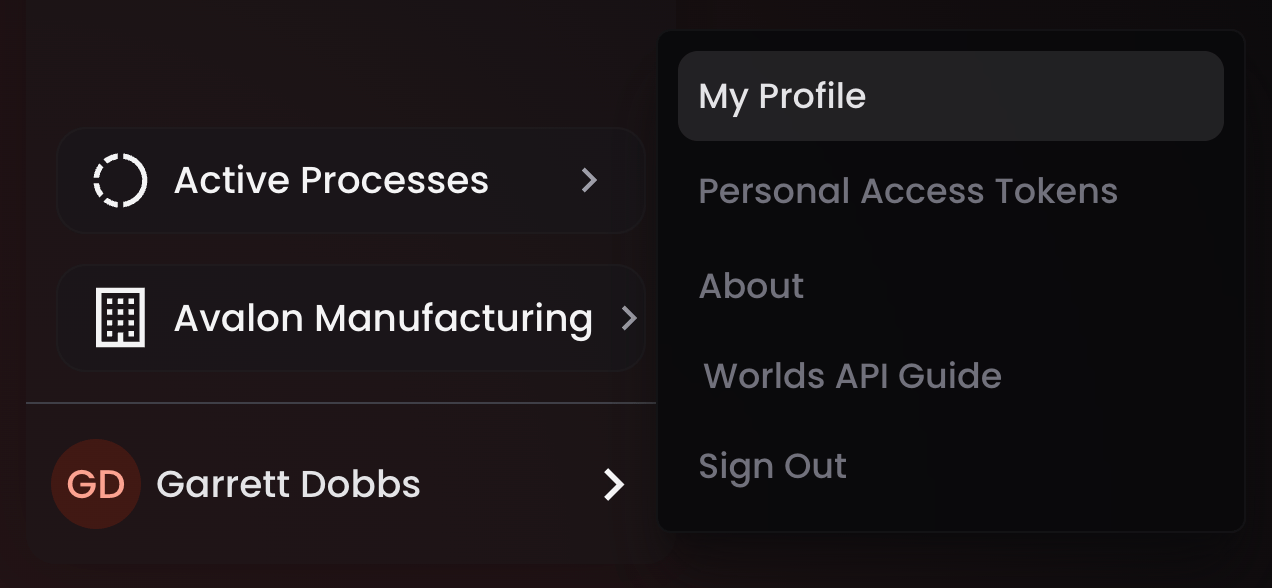
My Profile
From My Profile, you can:- Reset your password - only available if you’re not authenticated through SSO. Enter your current password and a new one to update it.
- Switch application theme - toggle between dark mode (the default) and light mode. This is purely cosmetic, it changes the visual style of the application without affecting any functionality. Switch to light mode if contrast or your environment makes it more usable.
Personal Access Tokens
Generate access tokens scoped to your personal user role, useful if you want to develop against the Worlds API. Available to every user. Note: A personal access token is limited to the same scope you have inside the application. If you’re a User or Manager, your token only reaches a limited set of endpoints and won’t return data outside the sites you have permission for. Tip: Super Administrators have a broader option available: organization-wide API keys, created from the Organizations menu under Settings rather than from here.About
Lists standard legal documentation for the Worlds application. The most useful thing here day-to-day is your currently deployed Worlds version, worth checking any time you’re cross-referencing release notes, documentation, or the API guide, so you know you’re looking at the right version.Worlds API Guide
Opens Worlds API documentation, automatically synced to your current Worlds version. It’s private to your organization, not publicly hosted, it lives inside your Worlds cluster. From here you can follow guides, reference the documentation, or use the Explorer to test GraphQL endpoints directly.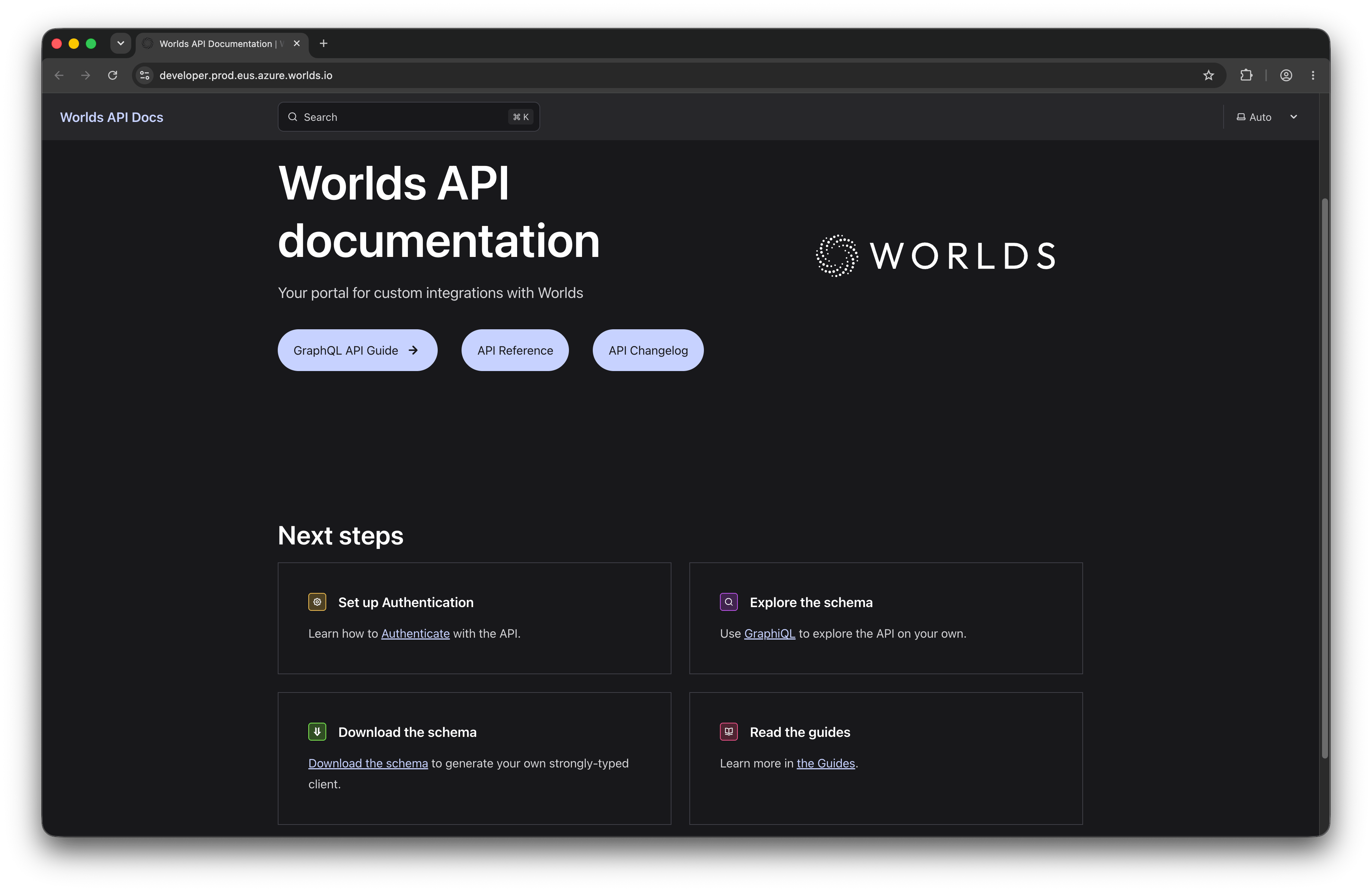
Sign Out
Signs you out of the application immediately.Quick Reference
- Access - name/initials icon, bottom left of navigation, every role
- My Profile - password reset (non-SSO only), light/dark theme toggle
- Personal Access Tokens - developer API access, scoped to your role and site permissions
- About - legal docs, plus your currently deployed Worlds version
- Worlds API Guide - in-cluster, version-synced API docs with a live Explorer
- Sign Out - immediate